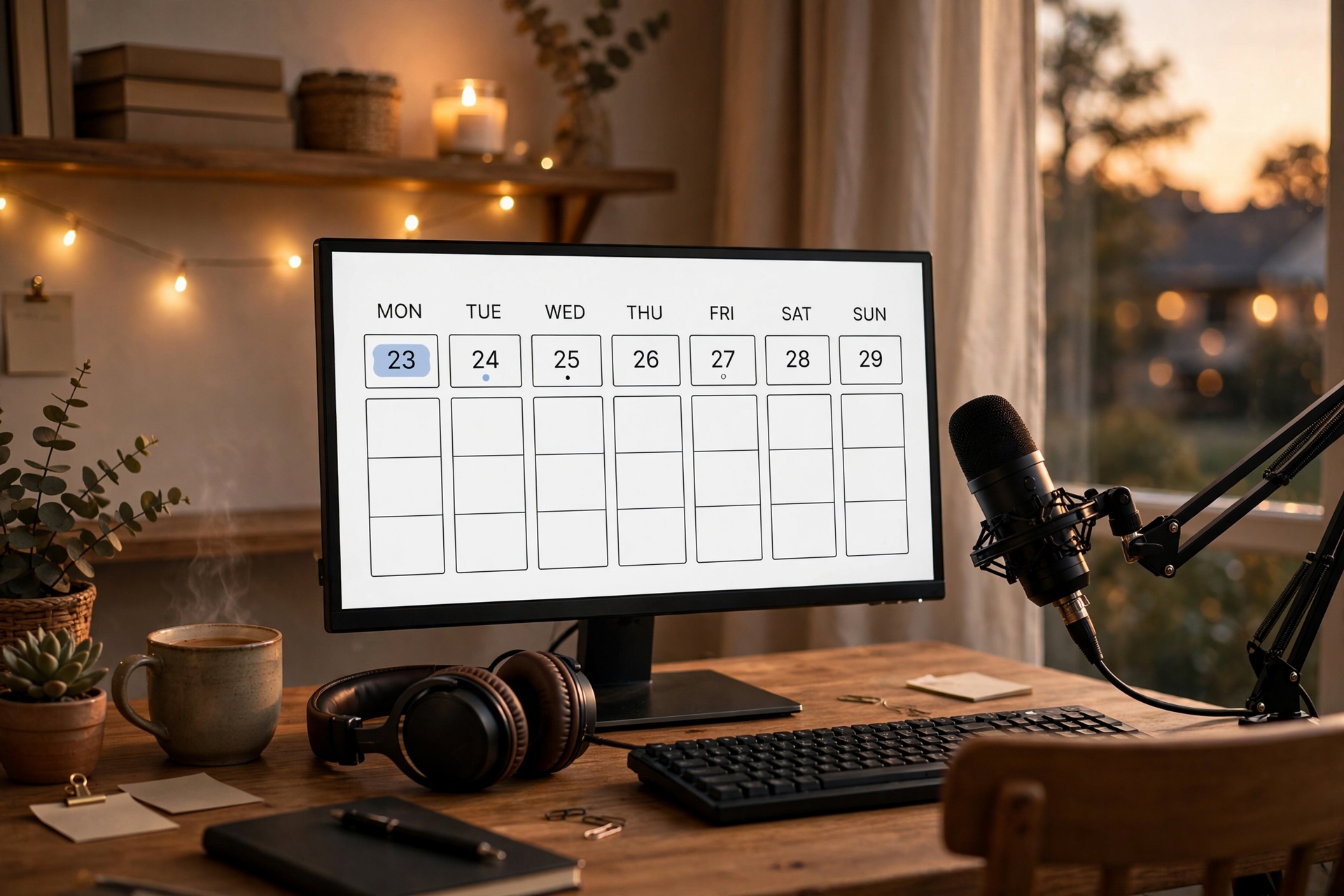
A Twitch schedule is not a promise to be live every possible hour. It is a communication system: viewers should understand when you usually stream, while you should have enough flexibility to keep showing up when work, school, health, or family responsibilities change. The strongest schedule is often smaller than a creator first imagines, but clear enough to become a habit.
Start with capacity, not ambition
Before choosing days, calculate the time you can protect for the entire streaming process. Include setup, preparation, live time, cooldown, moderation, clipping, and basic review. A four-hour broadcast may require another hour around it, so scheduling five long sessions when you only have 15 reliable free hours will create pressure immediately.
Choose a minimum schedule you could maintain during an average busy month, not only during a motivated week. For many creators, two dependable streams are more valuable than five unpredictable ones. You can always add an occasional bonus broadcast, but your core calendar should not depend on perfect energy or an empty personal schedule.
Use anchor days before adding extra streams
Pick two or three anchor days that are unlikely to move. Keep the same start time whenever possible, and leave enough space between sessions for sleep, preparation, and other responsibilities. A viewer should be able to remember your pattern without checking a calendar every day.
After the anchor days feel stable, add an optional slot only if it serves a clear purpose. You might use it for a new game test, a community event, or a longer project session. Label it as flexible rather than making it part of your core promise, so canceling it does not make the entire schedule feel unreliable.
Match each time slot to a content type
Different formats need different kinds of attention. A competitive session may work best when you are sharp and uninterrupted, while a relaxed community stream may fit a later evening. Assigning a general format to each slot helps you plan faster and gives viewers a reason to choose one day over another.
Keep the format broad enough to survive changes in games and trends. For example, a Tuesday slot could be focused challenge streams, while a Saturday slot could be community play or a longer story-driven session. This creates recognizable programming without trapping your channel in one title forever.
Publish times in one clear time zone
Display your schedule using your primary audience time zone, and state that zone directly in your profile panels, social posts, and stream announcements. If your viewers are spread across regions, add a conversion tool or a second reference rather than listing several confusing abbreviations.
Use exact start times and explain whether they mean going live or beginning the main segment. A short pre-show can be useful, but viewers should not have to guess when the content they came for begins. If you regularly need a setup window, make that part of the public expectation.
Build a change policy before you need one
Life will interrupt your schedule, so decide in advance how you will communicate changes. For a small delay, update your title or post a quick status message. For a cancellation, tell viewers as soon as you know and give them the next confirmed time instead of offering a vague promise to return soon.
Create a backup rule that protects consistency without encouraging endless rescheduling. You might move a missed weekday stream to one reserved weekend slot, or replace it with a shorter broadcast only when you have enough energy to make it worthwhile. Avoid stacking multiple make-up streams on top of your normal week.
Review the schedule with useful signals
Review your calendar every four weeks using more than average viewers. Check which slots produce steady attendance, which formats are easiest to prepare, how often you cancel, and whether you still have energy after streaming. A time with slightly fewer viewers may be the better choice if it allows you to show up consistently and deliver stronger broadcasts.
Change one variable at a time when possible. Move a start time by 30 minutes, test a different anchor day, or adjust one format for a month before judging the result. Keep a short public note when the schedule changes, then update your Twitch panels and recurring announcements so old information does not keep sending viewers to the wrong time.
Ready to run viewers, chatters, or followers from one dashboard?
View pricing