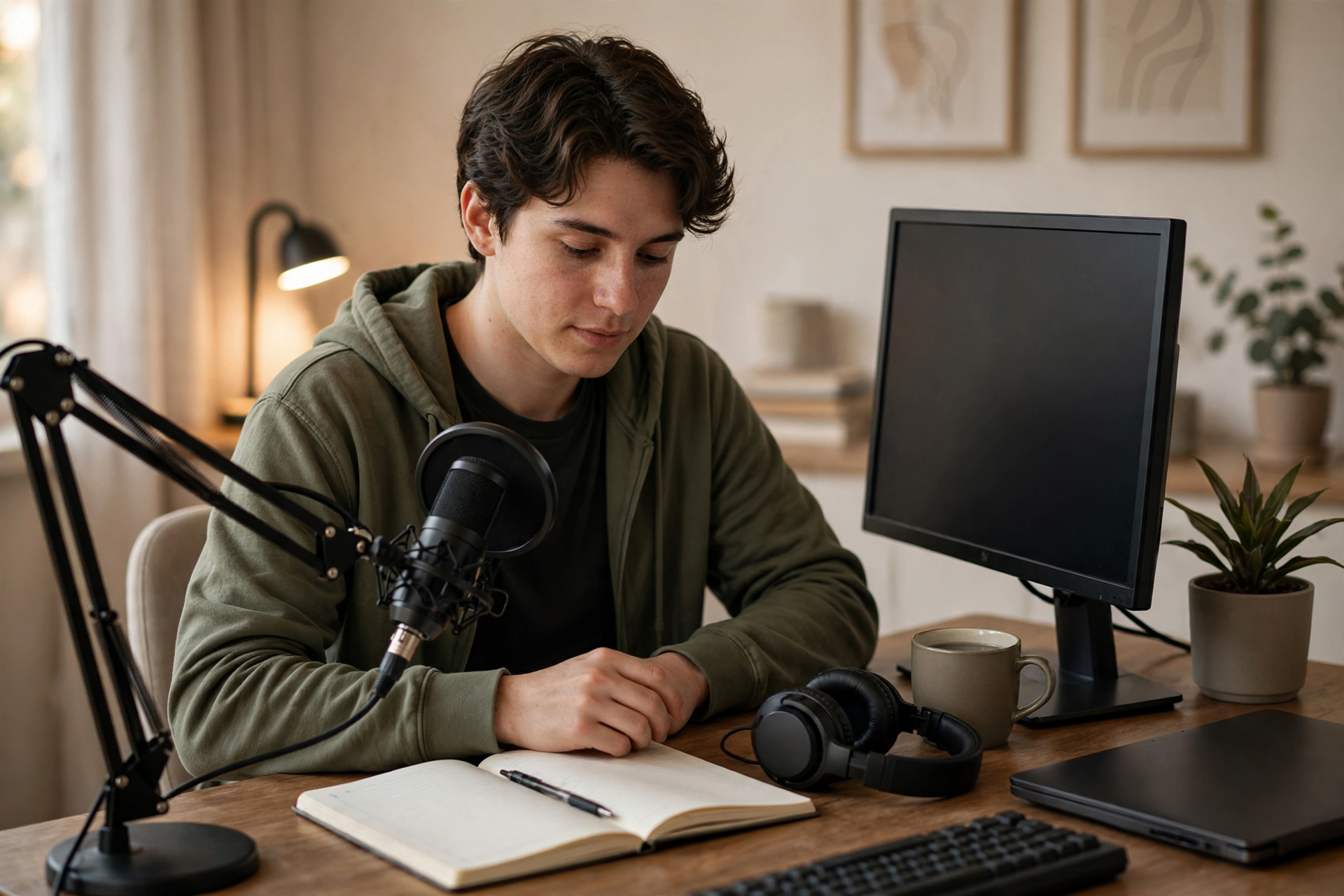
Your first Twitch stream is not a final exam. It is the first reliable sample of what happens when your setup, content idea, energy, and audience meet in the same place. The goal is not to look like a veteran immediately; it is to finish with enough evidence to make stream two noticeably better.
Choose one baseline question before you go live
Pick one question your first stream should answer. Examples include: Can I speak continuously while playing? Is my microphone understandable without heavy editing? Does this game give me enough decisions to discuss? Can I maintain energy for 90 minutes? A single question keeps you from treating every small flaw as a crisis.
Write down what evidence would answer it. If the question is about audio, record a short private test and listen for volume changes, background noise, and distracting keyboard sounds. If the question is about content, define a visible outcome such as completing a mission, testing a build, or reviewing three examples. Your first broadcast becomes useful when success can be observed rather than vaguely felt.
Build the smallest setup that can carry the show
Start with only the pieces viewers need: a stable video source, clear microphone audio, the correct game or category, and a way to see chat. One main scene is usually enough for a first broadcast. Add a starting screen, break screen, alerts, and decorative overlays only if you can test them quickly and understand what they do.
Use a short private recording to check the complete signal chain. Watch the recording on a phone or inexpensive headphones, because viewers will use many different devices. Confirm that your voice is not buried under the game, your camera is not blocking important information, and notifications or private windows cannot appear accidentally.
Give the stream a simple beginning, middle, and result
A first stream needs a shape, not a complicated script. Decide what happens in the opening minutes, what activity carries the middle, and what result lets you finish cleanly. You might introduce the goal, work through two or three planned tasks, then summarize what worked and what you will test next time.
Keep a few notes beside your monitor, but do not write every sentence. Useful prompts are enough: explain the current objective, describe why you made a decision, acknowledge a new viewer naturally, and recap after a long quiet section. These prompts protect the broadcast when your attention is divided without making your delivery sound rehearsed.
Run a short pre-live check with real failure scenarios
Before starting, confirm the selected scene, category, title, microphone level, game capture, internet connection, and any visible personal information. Close unrelated applications and disable notifications that could expose messages or account details. Keep a backup activity ready in case the main game fails to launch or an update takes longer than expected.
Also decide how you will respond to common problems. If your audio disappears, tell viewers you are checking it, mute the affected source, and use your backup microphone or continue with a brief explanation. If the game crashes, switch to your fallback topic instead of ending immediately. A calm recovery is more valuable than pretending nothing went wrong.
Use live checkpoints instead of chasing constant excitement
Every 15 to 20 minutes, pause mentally and check three things: Can a new viewer tell what is happening? Am I still moving toward the stated result? Is my voice adding context rather than filling silence randomly? If the answer to one is no, make a small correction such as restating the objective, changing tasks, or asking chat for a specific choice.
Do not judge the stream only by its live viewer count. Early numbers can be noisy and may not explain why someone stayed or left. Give attention to controllable behaviors: whether you explained transitions, whether the audio remained consistent, and whether you created moments that would make sense to someone arriving halfway through.
Review evidence before changing your entire channel
After the broadcast, wait until you can review it without the emotions of going live still taking over. Watch the opening, one middle section, a transition, and the final minutes. Note exact timestamps for unclear audio, dead air, confusing screens, strong explanations, and moments where the activity naturally created conversation.
Turn your notes into three decisions for stream two: keep one element, change one element, and test one new element. For example, keep the game, change the microphone position, and test a shorter opening explanation. Avoid rebuilding your branding, category strategy, and content plan from one broadcast. A useful baseline improves through controlled changes, not panic.
Ready to run viewers, chatters, or followers from one dashboard?
View pricing