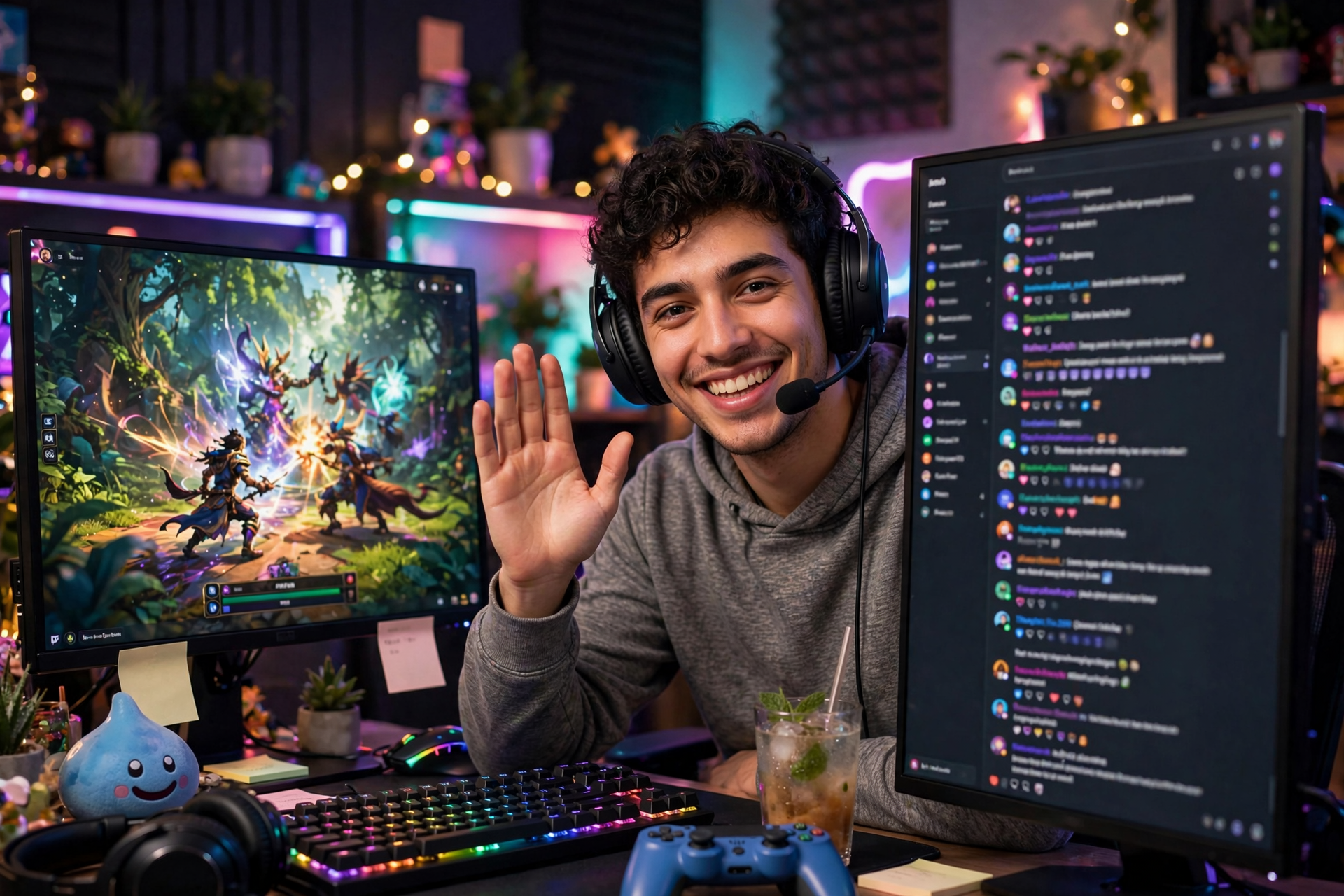
A raid can bring a burst of unfamiliar viewers into your Twitch chat, but attention fades quickly if the room feels confusing or the stream carries on as though nobody new arrived. The goal is not to force every raider to follow immediately. It is to give them a smooth first few minutes, a reason to participate, and a clear idea of what makes your channel worth returning to.
Prepare a raid landing moment before you need it
Decide what you will do during the first 60 to 90 seconds after a raid arrives. Pause at a safe point, thank the raiding streamer by name, welcome the newcomers, and explain what is happening on stream in one sentence. A simple script can prevent awkward silence: “Welcome in, everyone. We are finishing this challenge, then we are choosing the next game together.”
Keep your landing moment short enough that existing viewers do not feel abandoned. Pin or repeat one useful detail such as the current goal, game mode, or channel rule, then return to visible action. If you regularly raid into different communities, save a scene or chat command with your welcome message so your response feels consistent without sounding robotic.
Give new viewers instant context
Raiders often arrive in the middle of a story, match, challenge, or conversation. Do not make them study the stream to understand it. Narrate the immediate stakes: what you are trying to accomplish, what could go wrong, and what happens next. A sentence like “We have one attempt left to beat this boss without healing” is more useful than a general “glad you are here.”
Use visual and verbal cues that work for people who have never seen your channel. Put the current objective in an unobtrusive panel, keep your title aligned with the actual activity, and avoid unexplained references to events from hours earlier. New viewers should be able to understand the stream within a minute even if they joined while you were focused on gameplay.
Make participation easy without putting people on the spot
A large raid can make chat move too quickly for a newcomer to speak. Ask questions that can be answered with one word, an emote, or a simple choice: “Team left door or right door?” and “Who came from the raid?” These prompts create an entry point without demanding a personal introduction from everyone who just arrived.
Avoid immediately asking for follows, subscriptions, or a long list of channel commands. First-time viewers are deciding whether the room feels comfortable. A relaxed welcome, readable moderation, and a question connected to the current stream will usually create better interaction than repeated calls to support the channel.
Protect the stream’s pace after the welcome
Retention drops when a streamer stops the show for too long. After acknowledging the raid, move quickly into a planned beat: a boss attempt, a viewer vote, a short challenge, or the next segment of your broadcast. The raid should feel like it entered an active program, not an empty lobby waiting for something to happen.
If the raid arrives during a quiet task, create a small reset rather than pretending the moment is already exciting. Summarize the situation, set a near-term objective, and narrate your decisions aloud. New viewers are more likely to stay through slower gameplay when they can follow your thinking and see progress toward a specific payoff.
Turn the raid into a shared activity
Give the incoming audience a way to influence what happens next. Let chat choose between two safe options, predict an outcome, name a loadout, or vote on the next short segment. Keep the choices limited and honor the result quickly so participation feels meaningful rather than decorative.
You can also create a temporary “new arrivals” moment that fits your channel, such as a rapid-fire Q&A, a community challenge, or a reaction to the raiding streamer’s recent highlight. The activity should still make sense for regulars, because long-term viewers are part of the room’s energy. Shared context is what helps both groups mix instead of forming separate conversations.
Follow up while the new viewers still remember you
After the raid, note what held attention and where people left. Did chat participate in the first poll? Did viewers stay through the next match or segment? Twitch analytics can help you compare raid-time retention with your normal audience pattern, while chat logs and your own notes reveal whether the welcome was clear or too long.
Build the next stream around one recognizable promise rather than chasing the raid’s exact audience. Mention when the next broadcast is scheduled, clip a strong moment from the shared segment, and thank the raiding creator privately or publicly without treating their audience like a mailing list. If you need a clean way to test baseline attendance before a collaboration, you can use free Twitch viewers as a separate experiment, but your retention will still depend on the quality and clarity of the live show.
Ready to run viewers, chatters, or followers from one dashboard?
View pricing