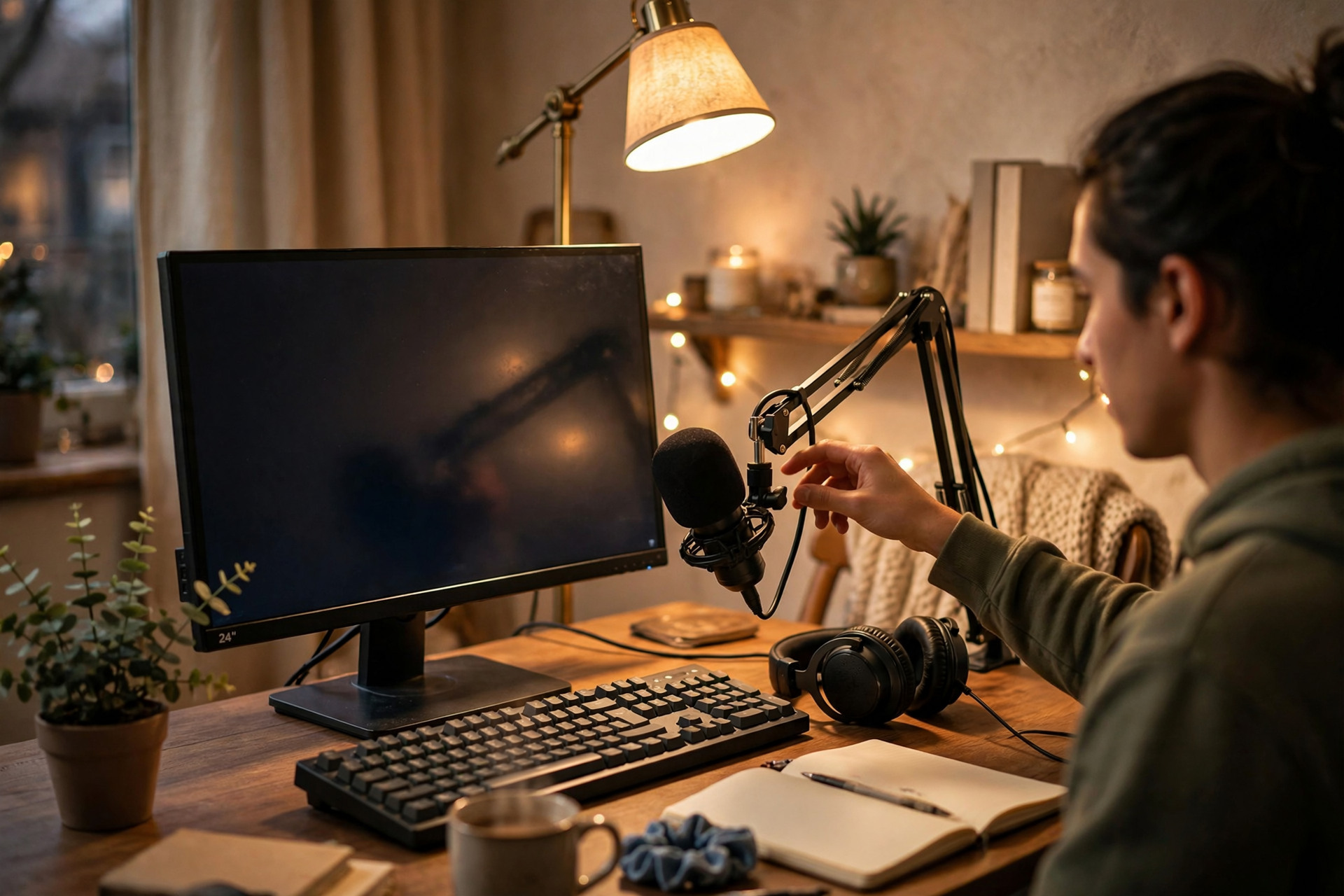
A first Twitch stream is not a final exam. It is a live pilot episode: a chance to learn how your setup behaves, how your voice sounds on air, and which parts of your idea are actually fun to host. The goal is not to look experienced immediately. The goal is to give viewers a clear experience while collecting enough information to improve the next stream.
Give the stream one simple promise
Choose one sentence that explains what someone will see if they join. It could be a first attempt at a game, a focused art session, a challenge with a clear ending, or a relaxed discussion around one subject. A specific promise is easier to host than a vague plan such as “hanging out and seeing what happens.”
Keep the promise small enough to finish in one sitting. Your first broadcast is not the time to cover five games, test every overlay, or build a complicated recurring show. Pick one main activity and define what success looks like, such as completing one mission, producing one finished sketch, or answering a short list of questions.
Prepare a short opening before going live
Write the first two minutes in bullet points. Introduce yourself, explain what you are doing, mention the expected length, and tell viewers what will happen first. This prevents the common first-stream problem of staring at the screen while trying to invent an introduction in real time.
Start the main activity quickly. A long countdown or silent waiting room gives early viewers little context and makes you more nervous. If you need a brief pre-show check, use it privately, then begin with a sentence that assumes someone may already be watching: “Today I’m attempting this beginner challenge, and I’ll show the result before we wrap up.”
Use a three-part broadcast structure
Divide the stream into an opening, a middle, and a closing rather than trying to fill an undefined number of hours. The opening establishes the plan, the middle contains the main attempt, and the closing summarizes what happened and what comes next. Even a 45-minute broadcast benefits from these clear phases.
Give each phase a visible stopping point. After the first task, pause to explain what changed. During the middle, name the next decision or objective. Near the end, begin wrapping up before your energy disappears. These transitions make the stream easier to follow for people who arrive late and reduce the pressure to talk constantly.
Talk through decisions, not every second
You do not need nonstop commentary. Instead, explain choices that reveal your thinking: why you selected an approach, what went wrong, what you are testing, or what you expect to happen. This gives quiet moments a purpose and lets viewers understand the activity even when they join halfway through.
Prepare five backup prompts on a note beside your monitor. Use questions such as “What would you try here?”, “Which option should I test next?”, or “What part should I explain?” Ask them naturally, then continue even if chat is quiet. A first stream should not depend on immediate audience participation to remain watchable.
Make interaction easy for a small audience
Treat every message as useful context rather than proof that the stream must become a full conversation. Read the person’s name, respond to the substance of their message, and connect your answer back to the activity. This creates a welcoming rhythm without putting pressure on anyone to keep chatting.
Avoid demanding engagement from silent viewers. Do not repeatedly ask why people are lurking or announce viewer counts as if they are a performance score. A calm stream gives people permission to watch quietly, while occasional low-effort prompts—such as choosing between two options—offer an easy way to participate.
End deliberately and review the right things
When the main activity is complete, announce the ending clearly. Summarize what you attempted, thank the people who stopped by, and state when you expect to stream again if you already know. If you plan to continue, a realistic Twitch streaming schedule is more useful than promising to be live every day.
Review the broadcast while the experience is fresh, but focus on decisions you can act on. Note where audio was unclear, where the pace slowed, which segment felt easiest to host, and what viewers asked about. Choose no more than three changes for stream two. Improving one technical issue, one content choice, and one hosting habit is enough to create a noticeably better next broadcast.
Ready to run viewers, chatters, or followers from one dashboard?
View pricing