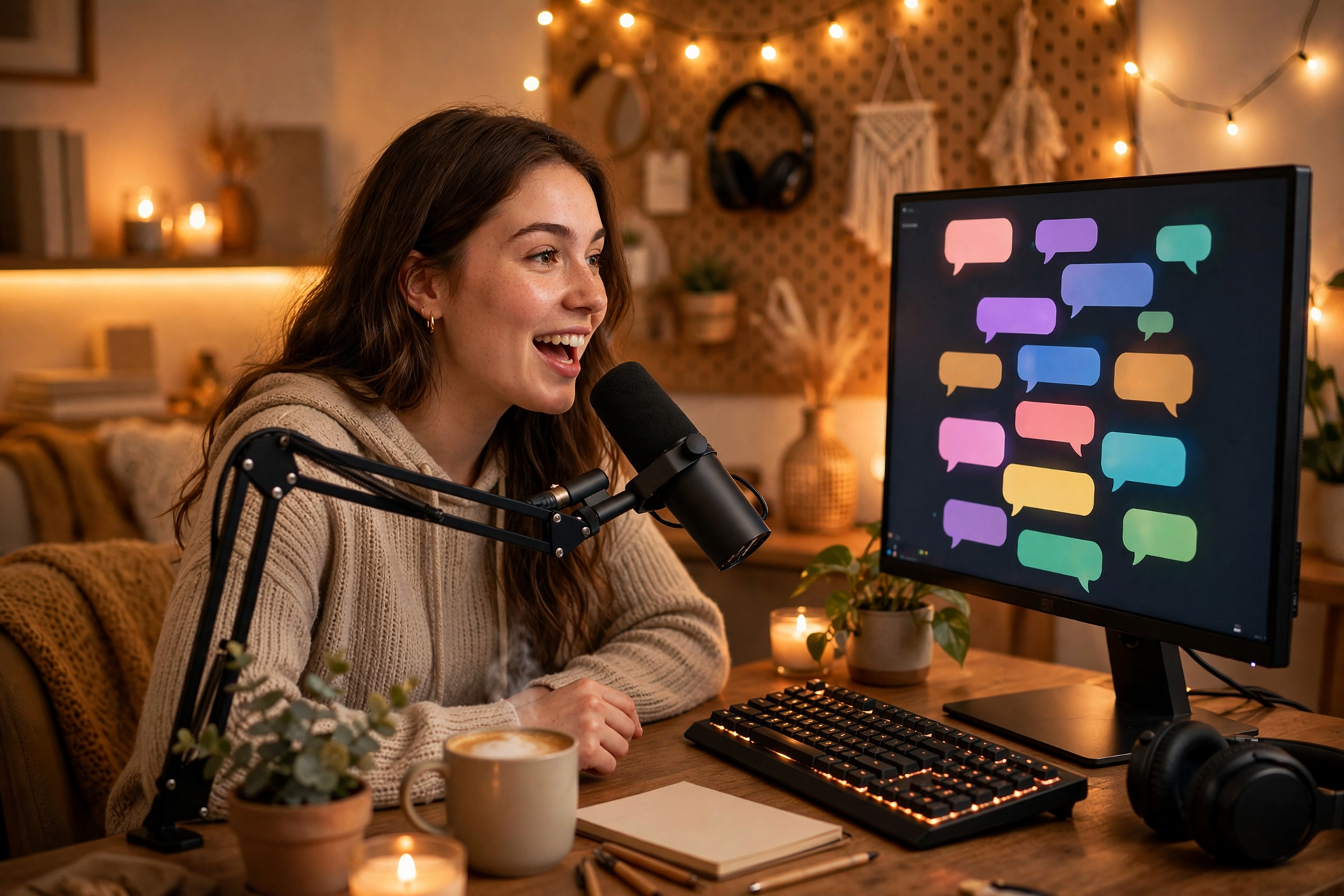
A busy Twitch chat is rarely the result of simply asking viewers to talk more. People participate when they understand what is happening, have an easy response available, and feel that their message will receive a real reaction. Your job is to design those moments without making the stream feel like a constant interview.
Give Every Stream a Conversation Hook
Start with a question that has context instead of a generic greeting. Ask viewers to choose between two loadouts, predict the next outcome, share an opinion about the game, or help you make a decision that will matter within the next few minutes. Specific questions reduce the effort required to answer and give new arrivals a clear way to join the conversation.
Prepare three to five hooks before going live and connect each one to a planned moment in the stream. For example, open with a choice, revisit the choice after your first attempt, and ask chat to judge the result. This creates a conversation arc rather than a collection of disconnected prompts, while giving quiet stretches a useful reset point.
Design Content That Naturally Needs Chat
Chat grows faster when participation changes the show. Build small decisions into your format: let viewers select a challenge, vote on the next topic, suggest a restriction, review a clip, or submit questions for a timed segment. The interaction should affect something visible so people learn that their messages have consequences.
Avoid asking chat to make every decision. Too many polls can make participation feel like homework and can weaken your own creative direction. A better pattern is to reserve interactive choices for transitions, milestones, and moments where two or more options are genuinely entertaining. Keep the final decision understandable, even when you choose to overrule the vote.
Use Low-Friction Prompts Between Big Moments
A stream can be entertaining while still giving viewers no obvious opening to speak. During travel, queue times, menus, or setup, offer a simple prompt tied to what is on screen: ask what strategy they would use, which item they would pick, or whether they noticed the same detail. These questions feel conversational because they emerge from the current activity.
Vary the type of response you invite. Use quick either-or questions for a fast-moving stream, opinion questions during slower sections, and open-ended prompts only when you have enough time to respond properly. Never punish silence or repeatedly call out people who do not answer; the goal is to make participation comfortable for both regulars and first-time visitors.
Make Chat Tools Useful, Not Decorative
Keep commands focused on helping viewers participate. A command can explain the current challenge, display rules, collect a question, show a build, or point people toward the next segment. Give each command a short, memorable name and mention it at the moment it becomes useful instead of listing every command at the start of the stream.
Channel Points, polls, predictions, and timed reminders work best when they support your format rather than interrupt it. Set rewards that are easy to fulfill on camera, such as choosing a sound, naming an in-game item, or selecting a topic for a short discussion. Review your rewards regularly and remove anything that creates awkward delays, spam, or moderation problems.
Protect the Conditions That Make People Talk
Viewers are less likely to chat when messages are buried under repeated alerts, self-promotion, arguments, or unclear rules. Use AutoMod and trusted moderators to handle obvious problems, but also explain the tone you want: playful disagreement may be welcome, personal attacks are not, and spoilers may need a separate rule. Consistency matters more than having a long list of restrictions.
Create a moderation plan for common situations before they happen. Decide who handles links, how you respond to bait, when a slow mode is appropriate, and what happens if someone keeps derailing the topic. A calm, predictable response protects regular conversations and tells new viewers that joining in will not expose them to unnecessary conflict.
Measure Conversation Quality Instead of Message Count
Raw message volume can be misleading. A chat filled with repeated commands or one-word reactions may look active without creating community. Track more useful signals after each stream: how many unique people spoke, which segments produced the most replies, how often questions received a second response, and whether viewers returned to an ongoing topic later.
Use those observations to run small experiments. Change one variable at a time, such as moving your first question earlier, replacing a broad prompt with two choices, or shortening a channel-point reward. Keep the versions that produce thoughtful exchanges without making the stream harder to host. The long-term objective is a chat rhythm that feels natural, repeatable, and enjoyable for you to maintain.
Ready to run viewers, chatters, or followers from one dashboard?
View pricing