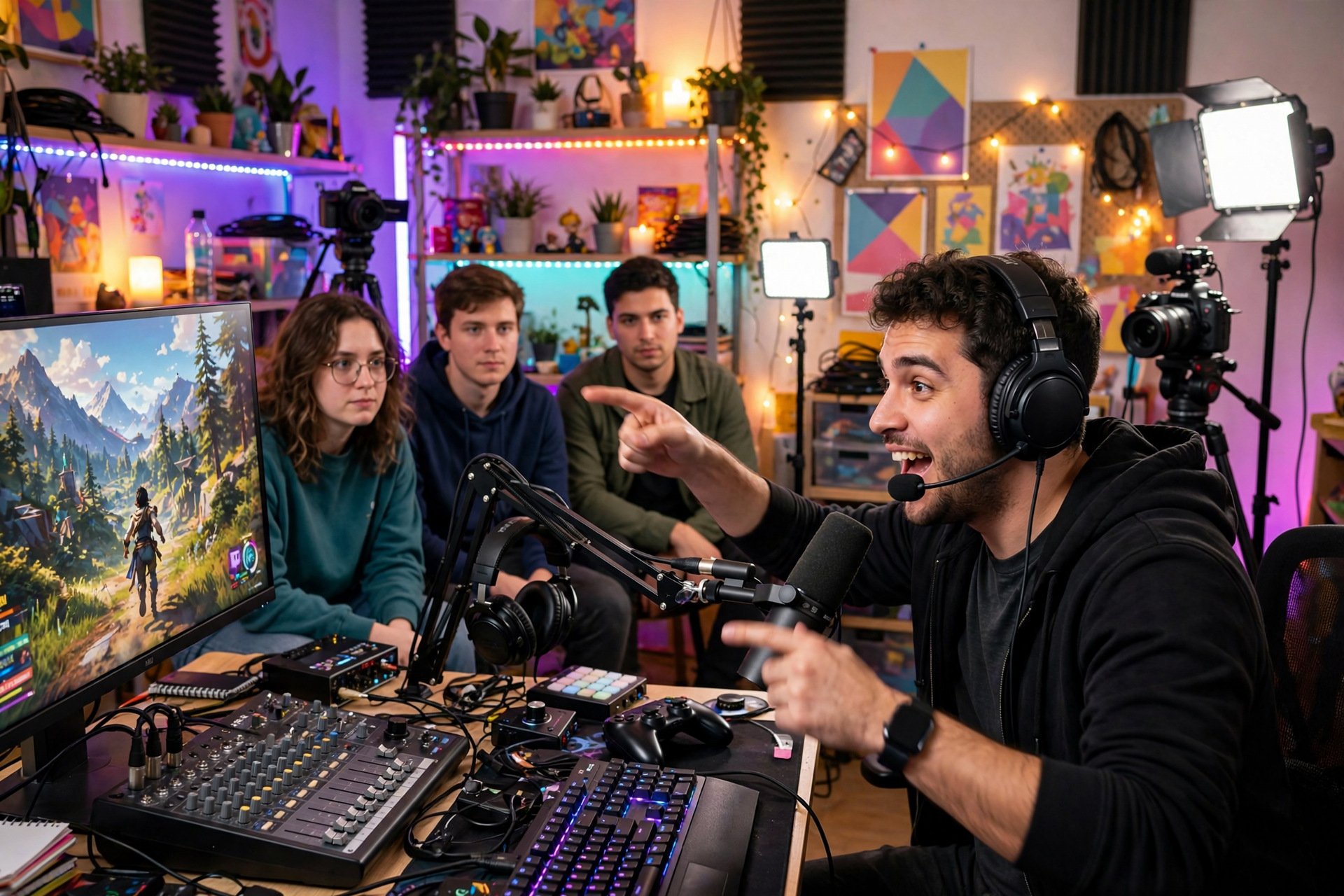
Going viral on Twitch is rarely the result of one lucky moment. More often, attention builds around a broadcast that is easy to explain, fun to watch without much context, and structured so viewers can affect what happens next. Instead of waiting for an ordinary stream to become extraordinary, design a live event with a premise people can repeat to someone else.
Start with a premise people can repeat
A strong viral concept can usually be explained in one sentence: what are you doing, what makes it difficult or unusual, and what happens if you succeed or fail? “I am playing a randomizer until I complete three impossible challenges” is easier to remember than “Come watch me play a game for a few hours.” The first version gives viewers a story they can pass along.
Write three possible premises before you go live and test each against four questions: Is the outcome visible? Can a new viewer understand it within 30 seconds? Does the audience have a reason to care before the result? Can the idea produce several turning points instead of one long buildup? Choose the concept with the clearest answers, not necessarily the biggest category.
Use trends as ingredients, not as your entire strategy
In 2026, fast-moving games, updates, challenges, and community discussions can create useful entry points, but copying a popular format rarely gives a smaller channel a lasting advantage. Add your own constraint, expertise, personality, or audience decision system so the broadcast has a recognizable identity.
Before committing to a trend, check whether you can add a meaningful angle within your available preparation time. A timely topic with a weak premise becomes forgettable quickly. A familiar topic with a strong twist can attract attention while giving viewers a reason to remember your channel after the trend cools down.
Give viewers simple ways to influence the outcome
Participation makes a broadcast feel like an event rather than a recording. Let viewers choose between two routes, set the next challenge, predict a result, submit a safe restriction, or decide which goal receives priority. Keep the choices limited and explain exactly when the audience will vote and when the result will take effect.
Do not make every interaction depend on typing quickly. Use occasional polls, clear chat commands, recurring decision windows, and visible consequences so viewers who are watching quietly can still follow along. Prepare moderation rules before the event, especially if suggestions can affect gameplay, spending, guests, or other people in the stream.
Build escalation into the broadcast
A shareable event needs movement. Divide the stream into stages with a visible objective for each one: establish the rules, attempt the first challenge, raise the difficulty, respond to a setback, and reach a final test. This structure helps late arrivals understand where the story is and gives existing viewers a reason to stay through the next checkpoint.
Create escalation without relying on fake drama. Increase the difficulty, narrow the available options, add a time limit, or make an earlier decision matter later. If something goes wrong, explain the consequence and adapt the plan on camera. Real uncertainty is engaging when viewers understand the rules and can see how each result changes the next stage.
Package the event before you press Go Live
Your title, category, notification, and opening minute should describe the same promise. Use a title that states the challenge and the consequence rather than a vague label such as “late-night grind.” Prepare a short opening explanation that covers what is happening, how viewers can participate, and what milestone you are trying to reach first.
Create a small set of supporting assets before the stream: a simple schedule post, a short announcement for your usual community spaces, and a few still images or timestamps you can reference afterward. Avoid promising a result you cannot guarantee. Curiosity attracts the first click, but accurate expectations are what prevent the event from feeling misleading.
Measure what made the event travel
After the broadcast, review more than peak viewers. Look at when people arrived, where attention dropped, which decision points created chat activity, how long new viewers stayed, and whether viewers returned for the next stream. A sudden spike is useful only if you can identify the segment, source, or idea that caused it.
Write a short post-stream report while the details are fresh: the strongest premise, the clearest explanation, the best participation mechanic, the slowest section, and one change for next time. Repeat the winning structure with a new challenge rather than duplicating the same event. Viral reach is unpredictable, but a channel that learns from each experiment can make memorable broadcasts more frequent.
Ready to run viewers, chatters, or followers from one dashboard?
View pricing