A viewer rarely arrives at the perfect moment. They may join while you are between matches, halfway through a challenge, or explaining something to an audience that already knows the backstory. If they cannot understand what is happening within a few seconds, they have little reason to stay. Getting more viewers on Kick is not only about attracting clicks; it is also about making every entry point feel watchable.
Design the stream around late arrivals
Build each broadcast as a sequence of understandable moments rather than one long conversation. Give the stream a main objective, then divide the session into smaller stages such as preparation, attempt, review, and next challenge. A person joining in the middle should be able to identify which stage is active without needing to read hundreds of chat messages.
Before going live, write a one-sentence answer to three questions: What are you doing, why does it matter, and what happens next? Keep those answers near your monitor so you can restate them naturally whenever the activity changes. This creates useful entry points without forcing you to repeat the entire stream.
Open with a clear reason to watch
The first few minutes should establish the promise of the broadcast quickly. Instead of spending the opening in menus, troubleshooting, or vague small talk, show the goal and begin the first meaningful step. You can still welcome people, but let the welcome happen alongside visible progress.
A strong opening does not require artificial excitement. It might be a difficult target, a time limit, a specific build, a ranked milestone, or a question you intend to answer during the session. The important part is that a new viewer can predict what kind of payoff the stream is working toward.
Use context resets without sounding repetitive
Plan short context resets after major transitions, roughly every 15 to 25 minutes or whenever the activity changes. Explain the current objective, what has already happened, and the next decision in a compact sentence. These resets help late arrivals follow along and give existing viewers a clean summary of the story so far.
Vary the wording and connect the reset to the action on screen. For example, say, “We are on attempt three, the final section is still failing, and this run changes the strategy,” instead of delivering the same scripted introduction. The reset should feel like commentary, not an interruption.
Create visible progress viewers can track
Viewers stay oriented when progress is easy to see. Use a small set of milestones, such as rounds completed, objectives remaining, attempts used, or resources collected. Mention the current milestone when it changes, and make the next step specific enough that someone joining now understands what to watch for.
Avoid tracking so many details that the broadcast feels like a spreadsheet. Choose two or three signals that support the central promise of the stream. If the goal is improvement, show the mistake being corrected; if the goal is completion, show how much remains; if the goal is discovery, state what evidence you are looking for.
Make transitions feel like new episodes
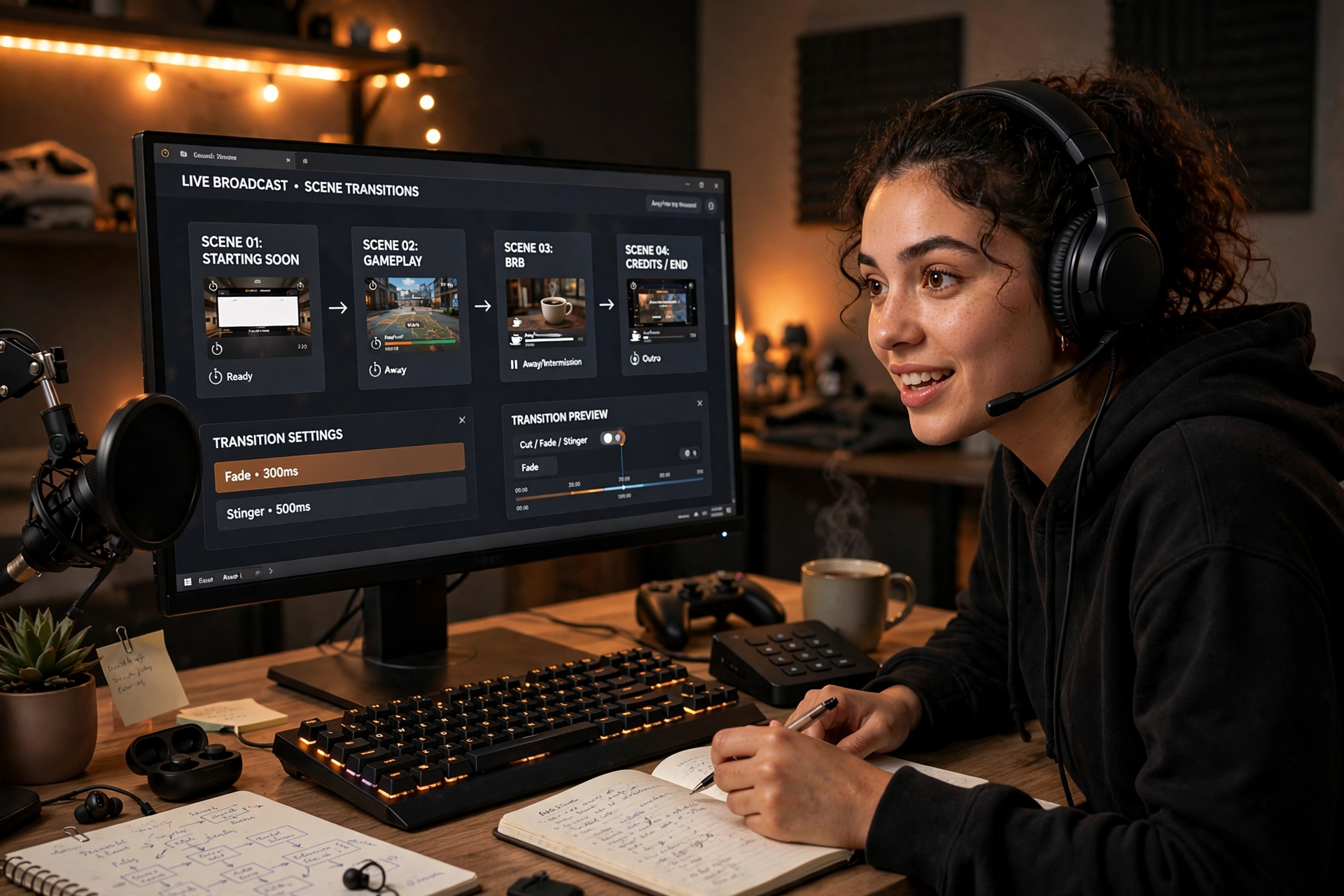
Long pauses often make a stream feel inactive even when you are preparing something important. Give transitions a simple structure: announce what is ending, explain what is beginning, and provide a reason to stay for the next section. This works for changing games, reviewing a result, setting up a challenge, or returning from a short break.
Prepare transition language before the broadcast so you do not have to invent energy while managing technical tasks. A line such as “The first test is complete; now we are changing one variable to see whether the result holds” turns downtime into a continuation of the story. New viewers can join at the transition and immediately understand the new segment.
Review where viewers lose the thread
After each stream, note the moments when the broadcast became difficult to follow. Look for long setup periods, unexplained references, quiet stretches after an objective ends, and sections where you assumed viewers knew what happened earlier. You do not need a complicated analytics system; a short timestamped review can reveal repeated pacing problems.
Turn one observation into a change for the next broadcast. Add a progress marker, shorten a setup, move an explanation earlier, or create a planned context reset before the most important segment. If you are building a broader acquisition plan, compare this review with the fundamentals in how to get more viewers on Kick, then focus your next improvement on the point where new visitors struggle most.
Ready to run viewers, chatters, or followers from one dashboard?
View pricing