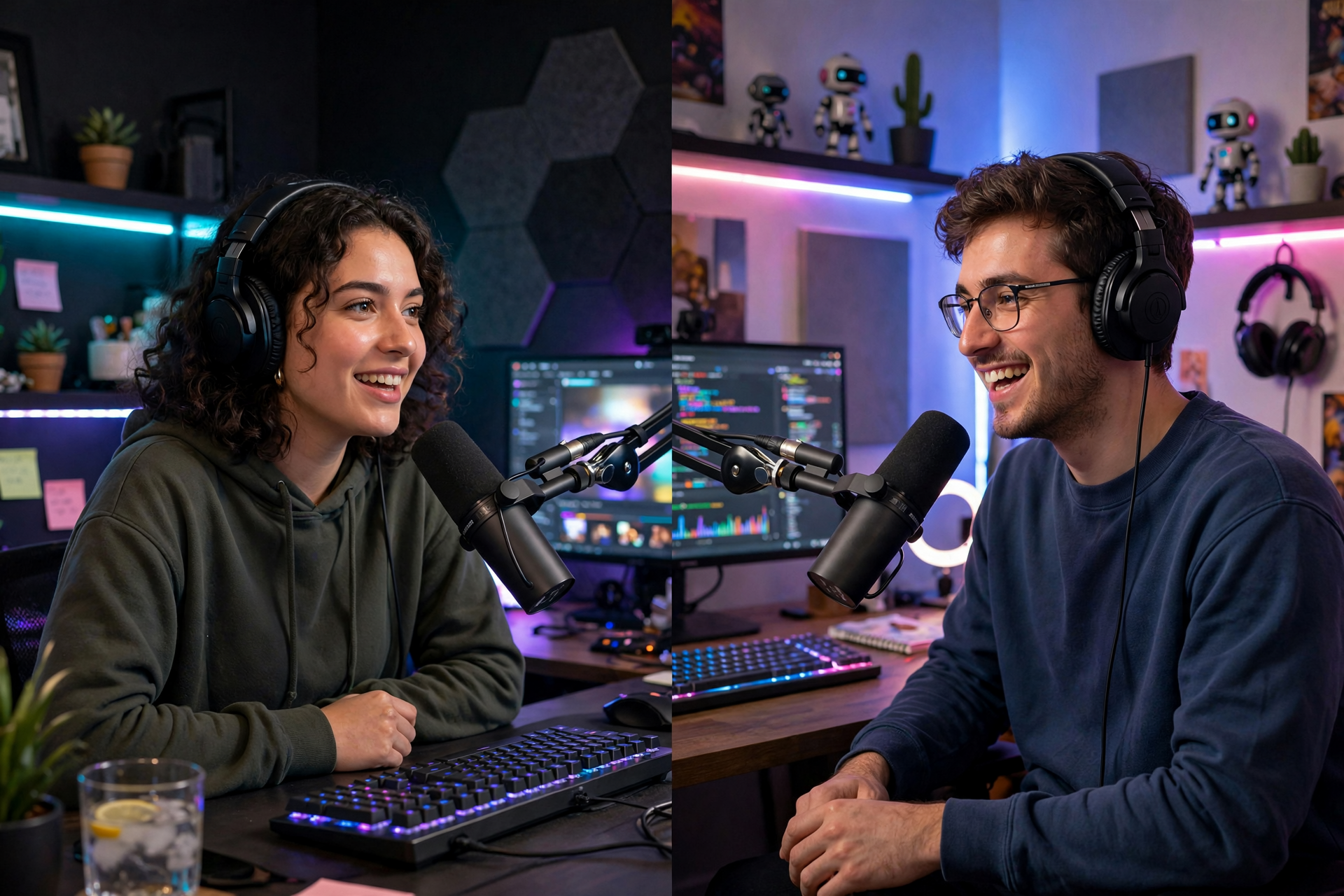
A good Twitch collab is more than two streamers appearing in the same call, and a good raid is more than clicking a button at the end of a broadcast. The strongest partnerships give viewers a clear reason to participate, make both creators look prepared, and create an easy path toward the next shared event.
Choose a Collaboration That Gives Viewers a Reason to Join
Start with the format instead of the creator. A co-op challenge, debate, community tournament, skill swap, duo speedrun, critique session, or themed variety night gives the audience a reason to click beyond seeing two familiar names together. Choose an idea that creates regular interaction, clear stakes, and moments that can stand on their own in clips.
Look for creators with compatible audiences rather than identical channels. Similar community size can make the conversation feel balanced, but shared interests, overlapping time zones, and comparable moderation standards matter more. Watch several recent broadcasts before reaching out so your invitation can mention a specific idea instead of sending a vague request to collab.
Send a Proposal That Is Easy to Say Yes To
A useful collaboration message includes the concept, proposed date range, expected length, platform or game, who handles which tasks, and what each creator gets from the event. Keep it short and specific: explain why their style fits the idea, then offer two possible times rather than asking them to solve the scheduling problem from scratch.
Confirm the details in writing before going live. Agree on the primary channel, call platform, game version, privacy settings, content boundaries, music rules, thumbnail or title responsibilities, and what happens if someone loses connection. A shared note with the run of show prevents small misunderstandings from becoming dead air during the broadcast.
Build a Simple Run of Show Before Going Live
Plan the first five minutes carefully. Introduce both creators, explain the premise, tell viewers what will happen next, and give the audience an immediate way to participate. After that, use a loose structure with checkpoints rather than scripting every sentence: opening, first challenge, audience interaction, escalation, final round, and closing.
Prepare conversation prompts for quiet moments and decide how you will handle uneven airtime. One host can watch chat while the other leads the activity, then switch roles. Run a private technical test before the event, including audio balance, game capture, guest permissions, alerts, delay, and backup communication if the main call fails.
Set Boundaries That Protect Both Communities
Collaboration exposes your channel to people who may not know your norms, so establish moderation expectations early. Share banned topics, spoiler rules, links policy, language boundaries, and who has final authority in each chat. Use trusted moderators from both communities when possible, but avoid giving unfamiliar people more permissions than they need.
Do not assume that a creator's on-stream personality represents their off-stream boundaries. Ask before using private stories, surprise guests, personal questions, risky jokes, or audience callouts. If the collab includes donations, giveaways, sponsorships, or viewer-submitted content, explain the terms clearly and keep records so neither community feels misled.
Raid With Intention Instead of Treating It Like a Random Exit
Choose a raid target based on fit, timing, and reliability. A smaller channel that is actively streaming a related category may create a more meaningful exchange than a much larger channel with no connection to your audience. Check the creator's current topic and chat atmosphere before sending people, then tell your viewers why you chose that channel.
Give your community a simple raid message that is welcoming without demanding attention from the receiving streamer. Include your name, what you were doing, and one genuine compliment, but avoid asking viewers to spam, compare channels, or pressure anyone to follow. If you have collaborated before, coordinate the raid in advance; a planned handoff can feel like an event rather than a traffic dump.
Review the Partnership and Plan the Next Touchpoint
Review the collaboration within a day while the details are fresh. Compare average and peak viewers, chat participation, follows, clip performance, stream interruptions, and how long the event held attention. Numbers are useful, but also note whether the conversation felt balanced, whether moderation stayed manageable, and whether both communities responded positively.
Follow up with a specific thank-you and one useful observation from the event. Share standout clips, timestamps, or audience feedback, then suggest a realistic next step such as a rematch, a rotating series, or a mutual raid agreement. If you want to preserve the best moments for future promotion, organize your clips with a Twitch clip downloader and keep permission and credit details attached to each file.
Ready to run viewers, chatters, or followers from one dashboard?
View pricing