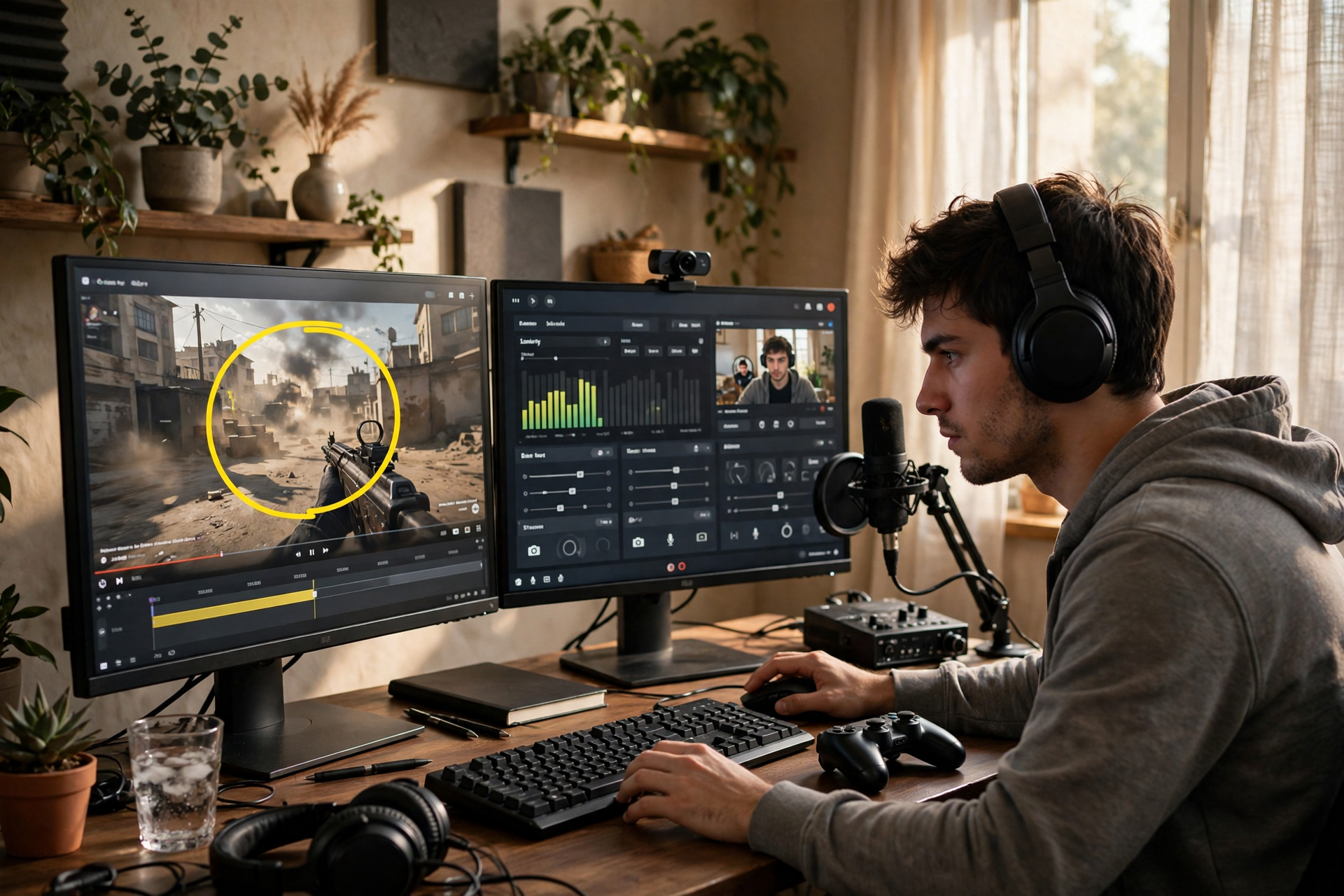
The best Kick clips usually happen when you are busy hosting: a surprising play, a sharp reaction, a funny chat exchange, or a moment that changes the direction of the stream. If clipping requires you to stop talking, search through a dashboard, or guess where the moment began, many of those highlights will disappear. A better approach is to design a small capture system before you go live, then review the results when your attention is no longer split.
Decide what deserves a Kick clip before you stream
Do not treat every loud reaction as equally valuable. Choose three or four signals that fit your channel, such as an unexpected win, a useful explanation, a strong debate, a funny mistake, or a moment where chat clearly changed what happened. These signals give you a quick test: if a new viewer could understand why the moment matters without watching the full broadcast, it is probably worth saving.
Write those signals beside your streaming controls or in a small notes app. This turns clipping into a recognition task instead of a constant editorial decision. It also helps you collect a balanced set of moments rather than ending the stream with ten clips that all show the same reaction.
Prepare a capture setup that does not compete with hosting
Before going live, confirm that your Kick stream is recording correctly and that your scene includes the sources you want viewers to see. Check game audio, microphone levels, camera framing, and alerts with a short private or test recording. A clip cannot repair missing voice audio, a frozen camera, or a desktop notification covering the important action.
Use the fastest capture method available in your setup, whether that is Kick's current clip control, a stream dashboard action, or a configured hotkey through your broadcast software. Test the control twice before the broadcast. Put it somewhere you can reach without changing scenes, opening unrelated windows, or taking your eyes away from the game for several seconds.
Mark moments first when instant clipping is awkward
You do not have to produce a finished clip at the exact second something happens. If the live control is difficult to reach, record a timestamp, type a short marker such as “boss fail” or “chat prediction,” or ask a moderator to note the moment. A marker preserves the memory while you continue hosting naturally.
Use a simple format: stream time, short label, and why it matters. For example, “01:18:42 — accidental speedrun shortcut — clear payoff.” Avoid writing a full description while live. The goal is to create a reliable queue that you can inspect later, not to turn your broadcast into an editing session.
Give each clip enough context to stand alone
When you review a captured moment, extend the start far enough to explain the setup and leave enough space after the payoff for the reaction to land. A clip that begins with a random shout makes sense to people who were present, but a short lead-in can make the same moment understandable to someone discovering your channel for the first time.
Remove dead air, menu navigation, long loading screens, and private conversations where appropriate. Keep the original energy, but check that usernames, messages, music, and on-screen content are safe to publish. If the moment depends on a phrase from chat, include the relevant message only when it is readable and appropriate.
Use a repeatable review queue after the broadcast
After ending your Kick stream, review your markers in batches instead of trying to perfect one clip immediately. First sort moments into useful groups: strongest highlight, funniest exchange, most informative segment, and possible archive item. Then discard anything that needs too much explanation or has weak audio and video.
Keep a small shortlist rather than publishing everything. One clear highlight with a strong beginning and ending is easier to evaluate than a pile of nearly identical clips. If you want to monitor how much attention your highlights receive, compare views and retention over time; Kick clip views can be one reference point when assessing whether a distribution push is reaching real viewers.
Build clipping into the next stream
At the end of your review, record what made the best moment work. Maybe the payoff came from a challenge with a clear deadline, a viewer prediction, a risky decision, or a recurring segment. Use that observation to plan more situations that naturally create watchable moments instead of forcing exaggerated reactions.
Before your next broadcast, clear the old marker list, test your capture control again, and choose one segment where you will pay extra attention to clip-worthy beats. This small reset keeps the workflow dependable. Over time, you will spend less energy hunting through footage and more time creating streams with moments that are easy to understand, save, and share.
Ready to run viewers, chatters, or followers from one dashboard?
View pricing