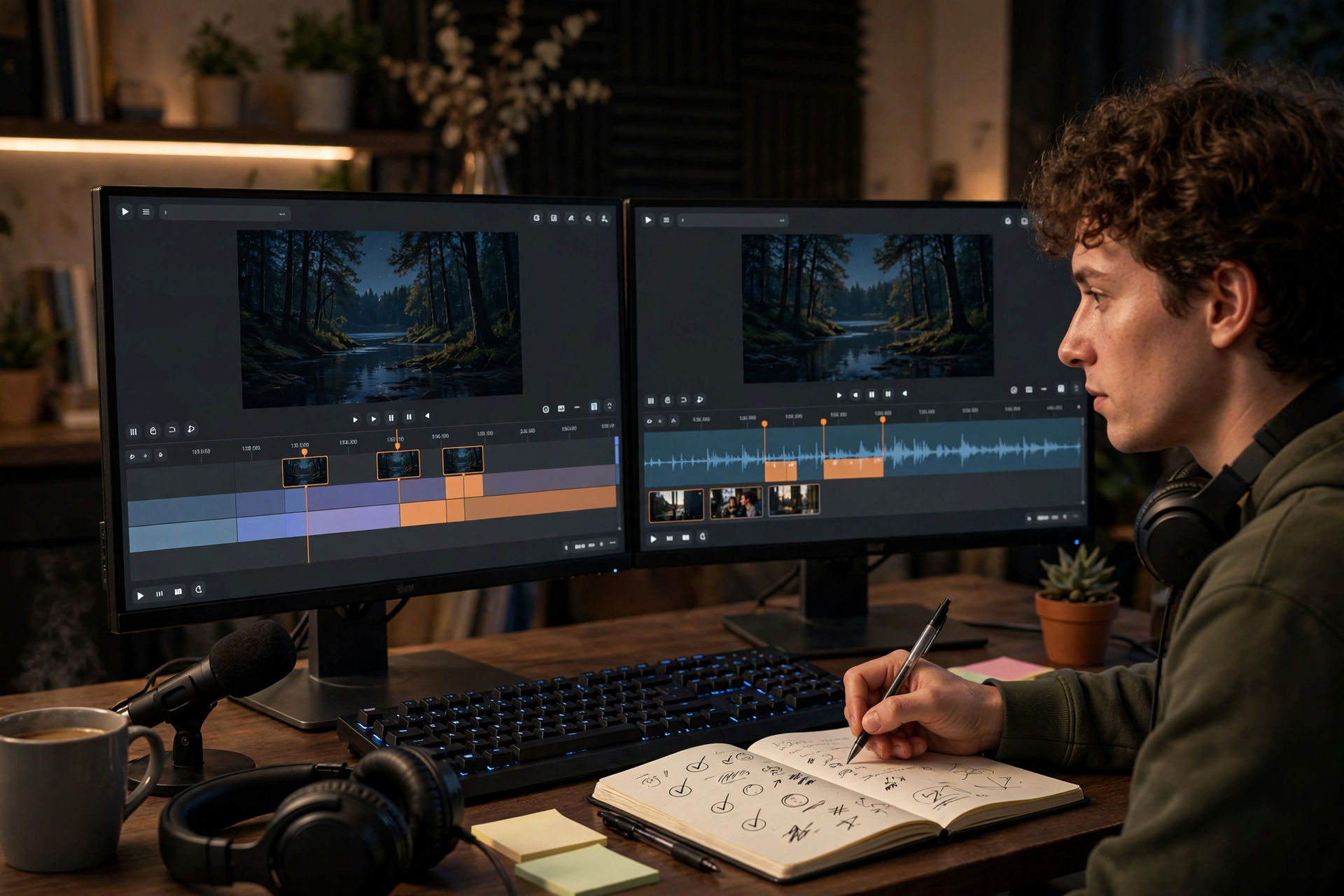
You do not have to notice every good moment while you are live. A past broadcast can become a useful source of Kick clips if you review it with a plan instead of dragging through the entire recording and hoping something stands out.
Choose the right Kick broadcast before you start
Begin with a stream that had a clear premise, an unusual outcome, strong audience reactions, or a noticeable change in energy. A broadcast built around a challenge, match, debate, reveal, or first attempt usually gives you more usable moments than a quiet session with no obvious turning points.
Do not automatically choose the longest or most-watched VOD. Pick the recording that contains a story someone can understand quickly. Write down its date, category, and main subject before opening the timeline so you know what kind of moments you are trying to find.
Make a timestamp pass instead of clipping immediately
Watch the VOD at a faster pace and pause whenever the stream changes direction. Mark reactions, surprising results, strong explanations, funny mistakes, viewer-driven decisions, and moments where your emotion is easy to read without additional setup.
Use a simple note format such as timestamp, event, possible title, and context needed. For example: “01:18:40, unexpected win, no one expected the final move, needs 10 seconds before the result.” This separates discovery from editing and prevents you from creating a clip for every mildly interesting sentence.
Set the beginning before the moment happens
A clip often becomes confusing when it starts at the punchline. Include the short setup that explains what is being attempted, what is at risk, or what the audience is waiting to see. The viewer should understand the situation before the reaction arrives.
At the same time, remove dead air, repeated instructions, menu navigation, and long stretches where nothing changes. A useful test is to watch the first few seconds with the sound low: if the visual situation is impossible to understand, add more setup or choose a clearer moment.
Create clips with one central idea
Each Kick clip should answer one question: what is this moment about? A clutch play, a failed prediction, an unexpected chat decision, and a funny interruption should normally become separate clips rather than one long highlight containing unrelated events.
Keep the clip long enough to preserve the payoff, but do not use extra footage simply because it is available. If the strongest section is short, let it be short. If the story needs a longer buildup, keep the buildup only when each part raises anticipation or clarifies the result.
Review the result as a new viewer
After creating a clip, watch it from the beginning without relying on your memory of the stream. Check the first frame, spoken context, game or desktop visibility, microphone clarity, alerts, and whether the ending feels complete rather than abruptly cut off.
Also check for information you should not publish, including private messages, personal details, unreleased plans, copyrighted material you do not have permission to share, or comments that could identify someone who expected privacy. Delete weak or risky clips instead of building a larger collection just to have more files.
Build a small post-stream clip queue
Keep the best few clips from each broadcast in a simple folder or spreadsheet with the VOD date, timestamp, subject, status, and intended destination. Useful labels might include reaction, tutorial, challenge, community moment, or story. This makes later selection faster than searching through unnamed files.
Review the queue once a week and remove duplicates, outdated references, and clips that need too much explanation. The goal is not to publish everything you capture. It is to maintain a short list of moments that still make sense after the live context has disappeared.
Ready to run viewers, chatters, or followers from one dashboard?
View pricing