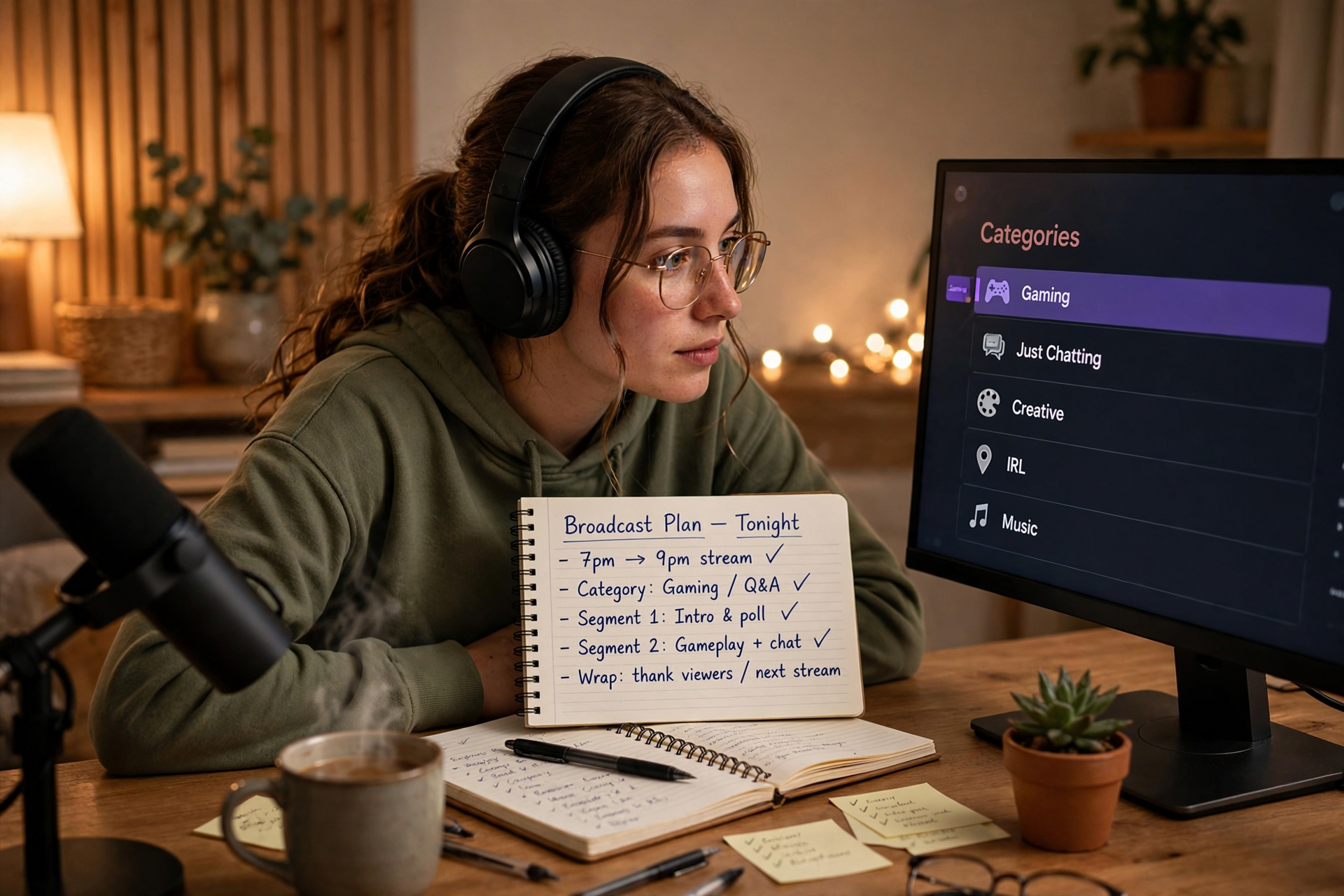
The best Kick category is not always the largest room or the label that sounds most exciting. It is the category that accurately describes what viewers will see when they arrive, supports the main activity of your broadcast, and remains defensible if your stream changes direction. Use this process before going live so your category works as a clear promise rather than a last-second guess.
Start with the activity viewers will watch most
Write down the actual activities planned for your broadcast, then estimate how much time each one will receive. Your primary category should normally represent the activity that occupies the largest meaningful part of the stream and defines why someone would stay. A short opening chat, a brief break, or a closing recap should not automatically replace the category for the main show.
Use a simple sentence to test your choice: “People entering this stream should expect to watch me do ___.” If the blank contains one clear activity, you probably have a workable category. If it contains three unrelated activities, your stream may need a stronger central plan or a category decision for each major segment.
Separate the category from the stream’s theme
Your title, overlay, challenge, and personality can add a theme without changing the underlying category. For example, a themed broadcast about improving at a game is still primarily about that game. Treat the category as the factual description and the title as the layer that explains what makes today’s session different.
This separation prevents a common mistake: choosing a broad or unrelated category because it matches the mood of the stream. “Late-night hangout” may describe the atmosphere, but it does not tell viewers what they will actually watch. Let the category answer what is happening; let the title answer why this particular broadcast is worth opening.
Use a category decision tree for mixed broadcasts
When a stream includes multiple activities, make the decision in this order: identify the longest segment, find the activity that creates the main viewer expectation, and check whether that activity has an appropriate category available in Kick’s current options. If two segments are close in length, choose the one with the clearer audience intent rather than switching randomly between labels.
For a broadcast with genuinely separate shows, consider treating the transition as a new programming block. Update the category when the main activity changes, announce the change briefly, and make sure the title or on-screen context does not leave arriving viewers guessing. Do not change categories for every small task; change them when the audience’s reason for watching has materially changed.
Check the viewer expectation before choosing a smaller room
A less crowded category can be useful, but only when it is accurate. Before selecting one, imagine what a regular viewer of that category expects to see, hear, and participate in. If your broadcast would look out of place beside the other streams there, the apparent discoverability advantage is likely to create weak clicks and quick exits.
Compare the category with your actual presentation instead of judging it only by its viewer count. Review several live listings, note the common formats and audience language, and ask whether your planned stream would make sense in that environment. The goal is not to find the emptiest room; it is to find a relevant room where your broadcast can be understood immediately.
Keep the category accurate when the plan changes
Live plans change because a game ends early, a guest cancels, or a technical problem forces a backup segment. When that happens, use the category that best describes what viewers are watching now, not what you originally intended to do. A quick correction is better than leaving a misleading label in place for the rest of the broadcast.
Build the update into your operator routine. At each major transition, check the selected category, stream title, and visible scene together. If they no longer describe the same show, update the mismatched element before continuing. This small check also helps viewers who arrive late understand the current segment without needing an explanation in chat.
Review category performance without chasing noise
After several streams, review category decisions alongside useful context: average viewers, early exits, chat participation, follows, and whether the stream delivered the activity promised by its title. Do not judge a category from one unusually strong raid, one weak technical night, or a single high-traffic event. Look for repeated differences across comparable broadcasts.
The most useful question is not “Which category produced the biggest number?” but “Which category helped the right viewers understand and enjoy this format?” Keep a short log with the selected category, stream concept, duration, and notable result. After a few entries, you can identify whether the problem is category fit, unclear packaging, or a broadcast concept that needs refinement. For broader channel positioning ideas, see this guide to improving discoverability on Kick.
Ready to run viewers, chatters, or followers from one dashboard?
View pricing