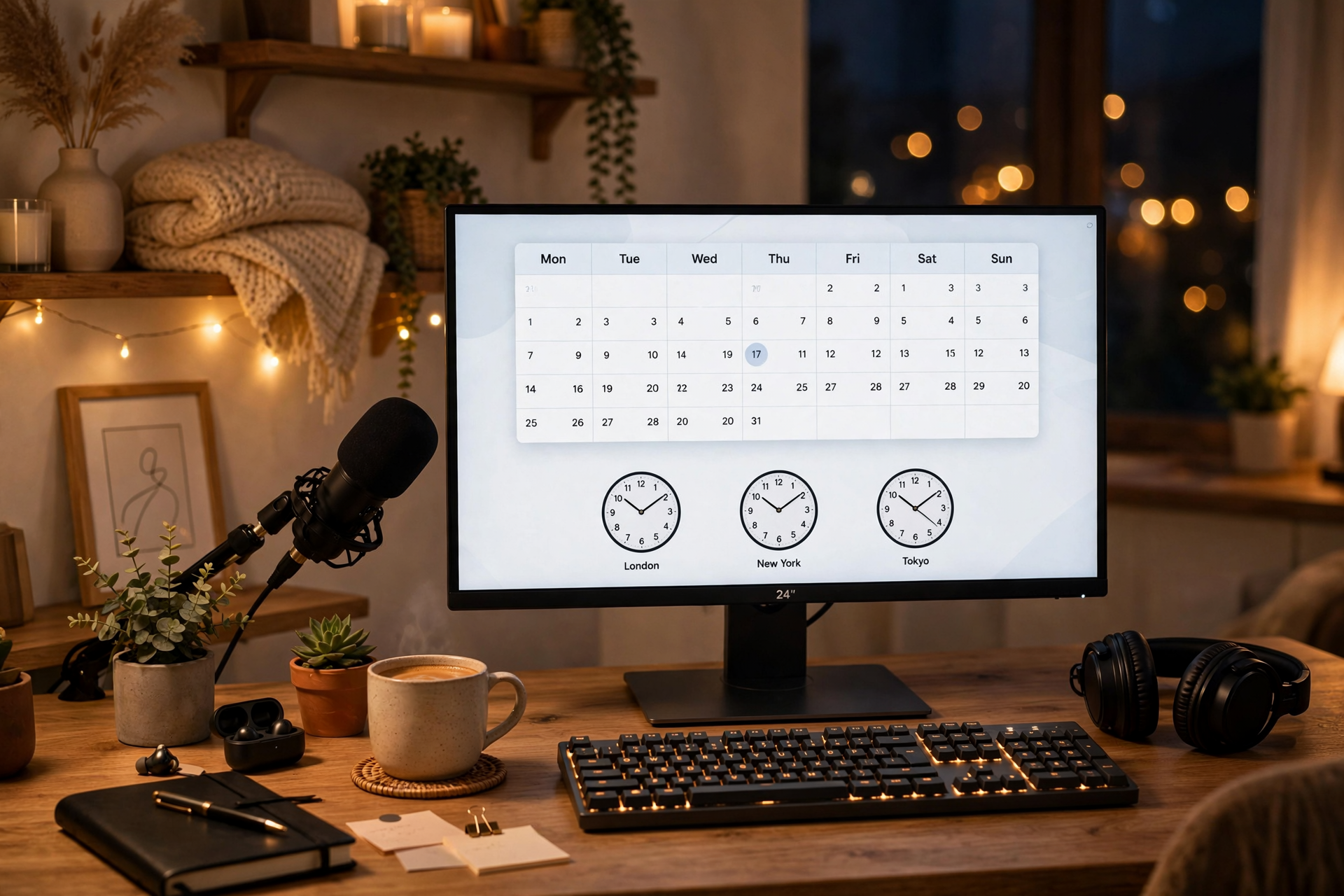
A useful Kick schedule is more than a list of days and start times. It is a promise viewers can interpret quickly, even if they live in another time zone or discover your channel after the week has started. Build yours around recognizable anchor slots, clear time-zone information, and a change process you can follow when real life interrupts.
Start with viewing windows, not an idealized routine
Before choosing days, list the periods when you can reliably be live for at least a few weeks. Mark your work, school, sleep, family, and recovery commitments first. Then separate dependable availability from optimistic availability; a two-hour slot you can keep is more valuable than a five-hour slot you regularly cancel.
Look for the times your likely viewers are already free. A weekday evening may work for one audience, while a late-morning weekend slot may suit another. Choose one primary window for your main format and add a second window only when it does not make the first one less reliable.
Choose one anchor slot people can memorize
Give your schedule a fixed point, such as Tuesday at 7:00 p.m. in your home time zone. This anchor is the appointment viewers should remember even if the rest of your week changes. If you stream several times, keep the anchor tied to your strongest recurring show rather than treating every slot as equally important.
Use consistent duration as well as a consistent start. A regular two-hour broadcast is easier to fit into a viewer’s evening than a stream that starts at the same time but ends unpredictably. You can stay live longer when the session is going well, but make the advertised end time the one you can normally honor.
Make the schedule readable across time zones
Publish your primary time zone beside every recurring time, then add a conversion for the audience you see most often. For example, write “Tuesday, 7:00 p.m. ET / 4:00 p.m. PT” instead of expecting viewers to calculate it. Avoid listing a long wall of conversions that makes the schedule harder to scan.
Review daylight-saving changes before they affect your viewers. Some regions shift clocks on different dates, and some do not shift at all. A short note such as “times follow Eastern Time; check the weekly announcement during clock-change weeks” prevents confusion without turning your schedule into a technical document.
Assign a job to every recurring slot
A day and time become more memorable when the slot has a clear purpose. Label broadcasts by their role, such as ranked sessions, community games, new-release testing, or relaxed variety. The label does not need to lock you into one exact game, but it should tell viewers what kind of experience they can expect.
Keep your most dependable format in the easiest-to-remember slot. Experimental content can use a flexible weekend or rotating slot while you learn what works. This creates room for variety without making the entire schedule feel random, and it gives viewers a reason to check a specific day.
Use a simple rule for changes and cancellations
Decide in advance what counts as a change. Moving a stream by 15 minutes may only need a quick update, while changing its day, category, or format deserves a clearer announcement. Share the update wherever viewers normally find your schedule, and state the replacement time instead of only saying that the original stream is canceled.
Keep a backup option for low-energy days. You might shorten the broadcast, switch to a simpler format, or move the session to a clearly named makeup slot. This protects the habit without forcing you to stream through exhaustion. Reliability means communicating and following a stable process, not pretending interruptions never happen.
Review attendance patterns without rebuilding everything
After four to six weeks, compare each slot using practical signals: average live viewers, early attendance, chat activity, follows per stream, and how often you actually made the time. Do not move a slot after one quiet broadcast; look for repeated differences and consider whether the content itself changed before blaming the time.
Change one variable at a time. Test a new start time on the weakest slot while keeping the format and promotion similar, then compare it with the previous version. Keep the anchor slot stable unless the evidence is strong enough to justify a larger reset. For additional planning ideas, use this viewer-friendly streaming calendar guide as a reference without copying its entire structure.
Ready to run viewers, chatters, or followers from one dashboard?
View pricing